
For UK channel partners
Apps and Teams Calling for Your Customers
Sell Microsoft Teams calling alongside SelectVoice desktop, mobile and browser apps, with customer numbers and supported workflows agreed for each deployment.
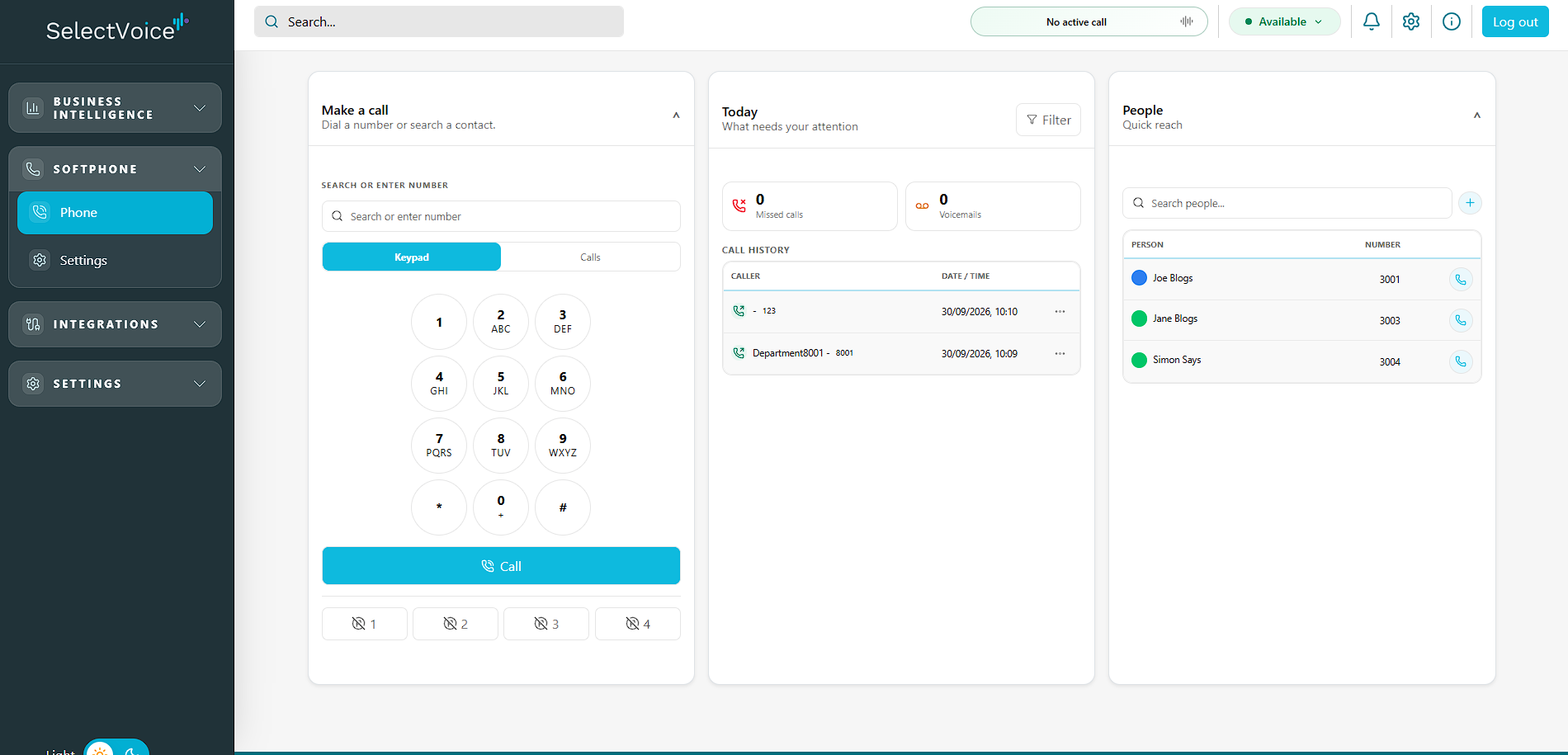
Desktop, Mobile & Web Apps
Resellers, MSPs and IT providers whose customers want to call from Teams, from their own devices, or both, without juggling separate suppliers.
Desktop softphone
Review the supported desktop operating systems, app version and licence for customers who work at a desk.
Mobile apps
Confirm supported mobile operating systems, app versions and call-control functions for each customer deployment.
Web softphone
Calling from supported browsers with presence and call history, with nothing to install.
Explore the web softphoneMicrosoft Teams calling
Teams Direct Routing for PSTN calling inside Teams, subject to compatible configuration and Microsoft licensing.
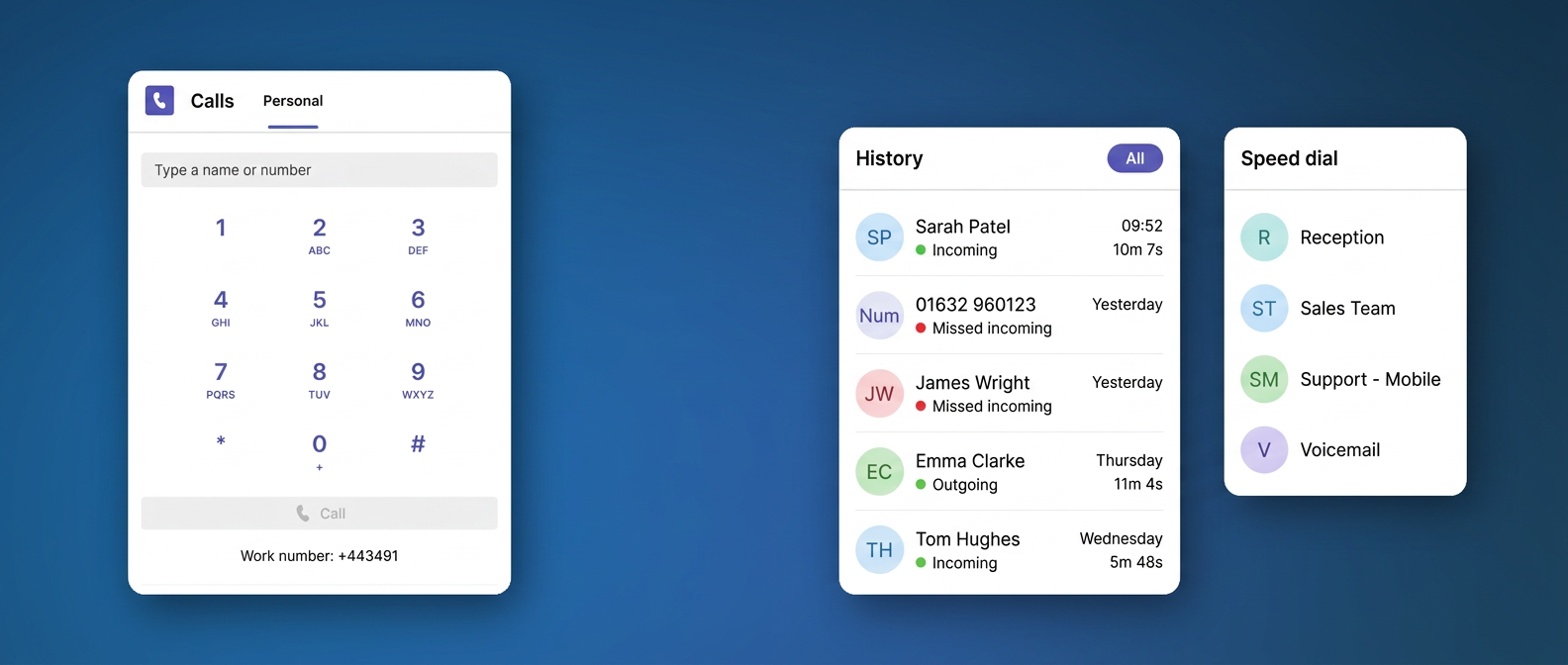
Microsoft Teams Calling
For MSPs with Teams-based customers, Direct Routing connects external telephone calling to the customer tenant. Confirm Microsoft Teams Phone licensing, eligible numbers and the supported SelectVoice configuration before quoting. This is not an Operator Connect offer.
Entra ID and presence workflows require Product confirmation for the selected release, tenant permissions and deployment. The available release notes confirm Microsoft-tenant reseller sign-in, not universal customer identity or presence synchronisation. Agree provisioning, porting, recording and reporting requirements with the channel team.
Which option suits each customer?
Customers already living in Teams
Teams Direct Routing on their existing numbers, with SelectVoice handling the calling.
Mixed office and remote teams
Desktop and mobile apps, so review shared numbering and supported features for their device and deployment.
Hot-desking, shared or locked-down PCs
The web softphone in a supported browser, with no local install.
Review calling and Teams capabilities on Platform Features.
For connector details, review supported integrations. SelectVoice software, apps and portals remain SelectVoice-branded.
Partner questions, answered
Recruiting UK channel partners
Build your customer proposition with SelectVoice
Review your calls, numbers, SIP, platform and apps with the partner team. Start with your customers’ requirements and agree a practical way forward.